ファーゴプリンターのクリーニングとメンテナンス
In order to keep your card printer working at its best, perform maintenance cleaning after every use of a roll or 250 prints.The tools in the cleaning kit can help you complete the standard cleaning procedure more efficiently and thoroughly. Please properly clean your printer as follows. The entire cleaning process will only take you a few minutes.
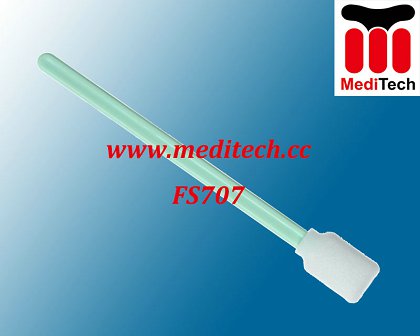
○ 4 cleaning pens pre-soaked with 99.99% acetone alcohol.
○ 50 cleaning cards are used to clean the cleaning wheel inside the machine.
○ 50 clean gauze soaked with 99.99% isopropyl alcohol is used to clean the transfer wheel inside the machine.
Fargo printer Cleaning method and maintenance
1. Open the top cover of the printer.
2. Use a printhead cleaning pen to gently wipe the vitreous body of the print head several times so that the accumulated dust on the print head is removed.
3. After the cleaning is complete, close the printer cover. If the line still exists, check the user manual for further cleaning of the print head.
ファーゴプリンターのクリーニングとメンテナンス
 メディテック