 メディテック


ゼブラP330iカードプリンタをクリーニングする方法は?
37171000枚のカラーカード、または5000枚のモノクロカードを印刷すると、Zebra P330i LCDに「プリンタをクリーニングしています」と表示されます。Zebra P33iをクリーニングする方法は?
詳細を見る製品検索検索ポスト
Regular maintenance of your Primacy Lamination card printer ensures optimal performance, extends its lifespan, and guarantees high-quality printed cards. One of the most important maintenance tasks is cleaning the lamination module with a special adhesive cleaning card. Follow the instructions below to properly clean your printer.
We recommend using the MediTech Adhesive Cleaning Card, designed for professional printer cleaning and trusted by businesses worldwide.
By following this cleaning procedure, you ensure that your Primacy Lamination card printer continues to deliver professional results.
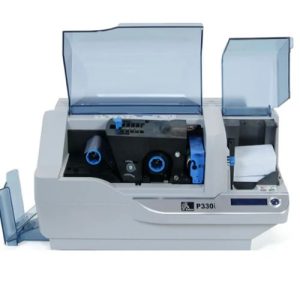
1000枚のカラーカード、または5000枚のモノクロカードを印刷すると、Zebra P330i LCDに「プリンタをクリーニングしています」と表示されます。Zebra P33iをクリーニングする方法は?
詳細を見る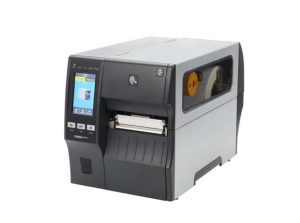
Regular cleaning of your Zebra ZT411 and ZT421 printers ensures long-term reliability and exceptional print quality. With MediTech IPA Cleaning Swabs, you can perform professional-grade maintenance quickly and effectively — without risking damage ...
詳細を見るFeatures: 1. Free from organic contamination such as silicone, amide and DOP. 2. Low non-volatile residue, NVR 3. Low in both particles and i...
詳細を見る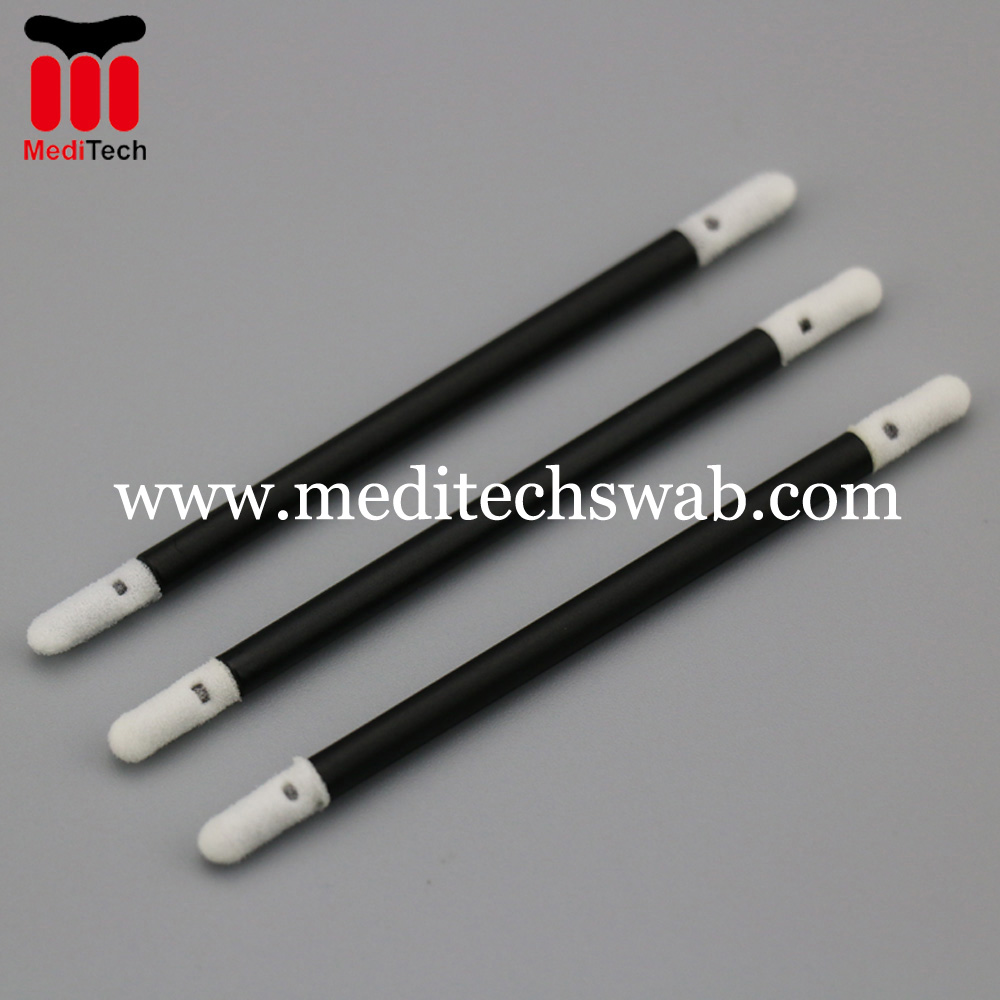
演算結果を入力する。
計算が間違っています。