 Meditech


How to Clean Zebra ZXP Series 3 Card Printer Properly
2424Learn how to clean the Zebra ZXP Series 3 card printer. Improve print quality, prevent card jams, and extend printer life with proper maintenance.
Visualizza i dettagliRicerca prodottoRicerca post
The print head is one of the most important components in your Zebra printer. Over time, dust, ribbon particles, and debris can accumulate, leading to streaks, faded text, or poor image quality. Cleaning the print head with a Snap Swab helps restore sharp, clear printing and prevents costly repairs.
Follow these simple steps to safely clean your Zebra printer head:
If print quality issues continue after cleaning the printer head with a Snap Swab, the issue may be related to:
In these cases, check the Zebra printer user manual for troubleshooting steps or contact Zebra customer support for professional assistance.
👉 For best results, we recommend using MediTech Snap Swabs, designed specifically for printer head cleaning. They are pre-saturated, easy to use, and safe for delicate print head elements.
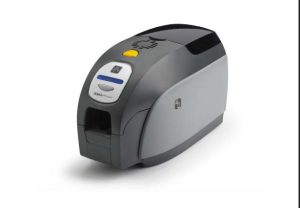
Learn how to clean the Zebra ZXP Series 3 card printer. Improve print quality, prevent card jams, and extend printer life with proper maintenance.
Visualizza i dettagli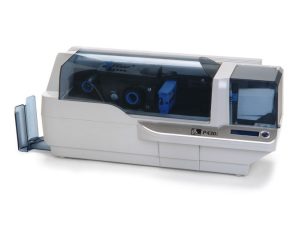
Keep your Zebra P430i & P330i printers in top condition with this easy step-by-step cleaning guide. Learn how to use Zebra cleaning cards and swabs to remove dust, protect the print head, prevent card jams, and extend your printer’s lifespan. Regu...
Visualizza i dettagliSwab Description : This Large Rectangular Foam Head Cleanroom Swab is a large, general-purpose swab for cleaning surfaces. Its closed-cell polyurethane foam head possesses excellent durability and cushioning. A rigid internal paddle provides firm ...
Visualizza i dettagli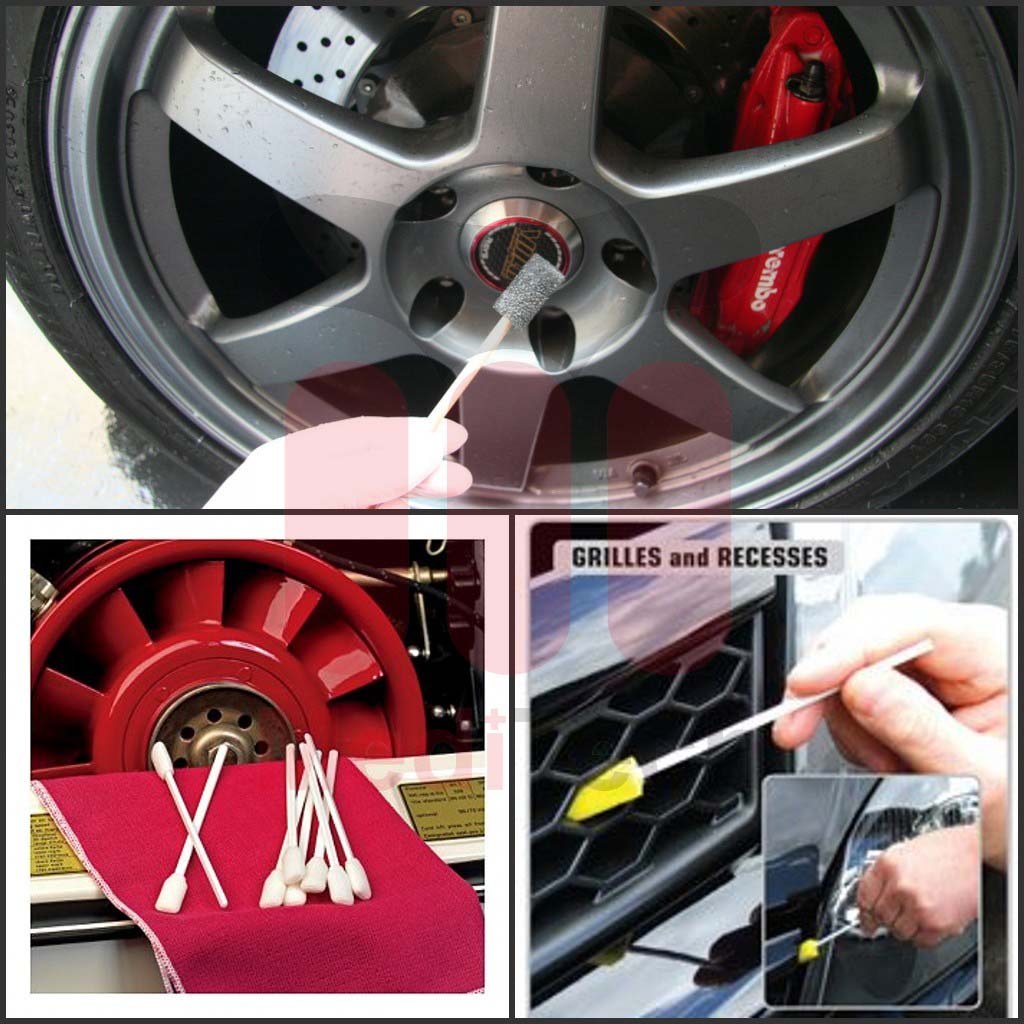
L'auto è uno strumento di traffico comune nella vita, quindi anche la manutenzione dell'automobile è molto importante. Perché i produttori di tamponi per la pulizia vogliono parlare dell'automobile? Perché nella manutenzione e nella riparazione i nostri prodotti sono adatti anche all'automobile. Ci...
Visualizza i dettagliInserire il risultato aritmetico.
Calcolo errato, inserire nuovamente.