 Meditech


How to Clean Zebra ZXP Series 3 Card Printer Properly
2806Learn how to clean the Zebra ZXP Series 3 card printer. Improve print quality, prevent card jams, and extend printer life with proper maintenance.
Visualizza i dettagliRicerca prodottoRicerca post
Keeping your Zebra P430i or P330i card printer properly maintained is the key to producing sharp, professional ID cards and extending the life of your device. Over time, dust, card debris, and ribbon residue can accumulate inside the printer, leading to streaks, faded images, or even system errors. The good news is that Zebra printers are designed for easy maintenance using cleaning cards and swabs.
In this guide, we’ll walk you through the step-by-step cleaning process for Zebra P430i and P330i printers so you can keep your machine in peak condition.
Because card printers operate with high precision, even tiny amounts of dirt or residue can interfere with print quality. Regular cleaning ensures:
While your printer will prompt you when cleaning is due, building a routine maintenance schedule will help you avoid downtime and costly repairs.
If streaks or print issues remain after standard cleaning, manually clean the print head:
By following these steps, your Zebra P430i and P330i printers will continue to deliver clear, professional-grade ID cards with minimal interruptions.
For optimal performance, use Meditech’s Zebra Cleaning Kits, designed specifically for P430i & P330i models. Regular use will not only keep your printer spotless but also extend its overall service life.
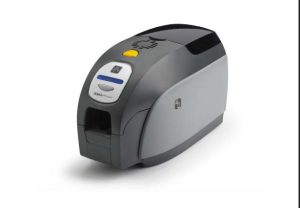
Learn how to clean the Zebra ZXP Series 3 card printer. Improve print quality, prevent card jams, and extend printer life with proper maintenance.
Visualizza i dettagli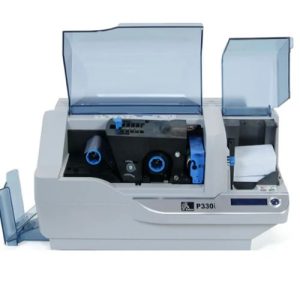
Dopo aver stampato 1.000 carte a colori o 5.000 carte monocromatiche, il display LCD di Zebra P330i visualizzerà "pulizia della stampante" e sarà necessario pulire la stampante il prima possibile per garantire buoni risultati di stampa. Allora è un problema, come pulire la stampante Zebra P33...
Visualizza i dettagli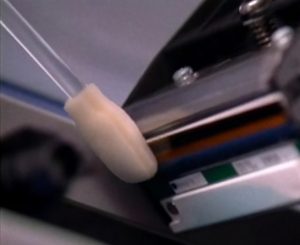
The print head is one of the most important components in your Zebra printer. Over time, dust, ribbon particles, and debris can accumulate, leading to streaks, faded text, or poor image quality. Cleaning the print head with a Snap Swab helps resto...
Visualizza i dettagli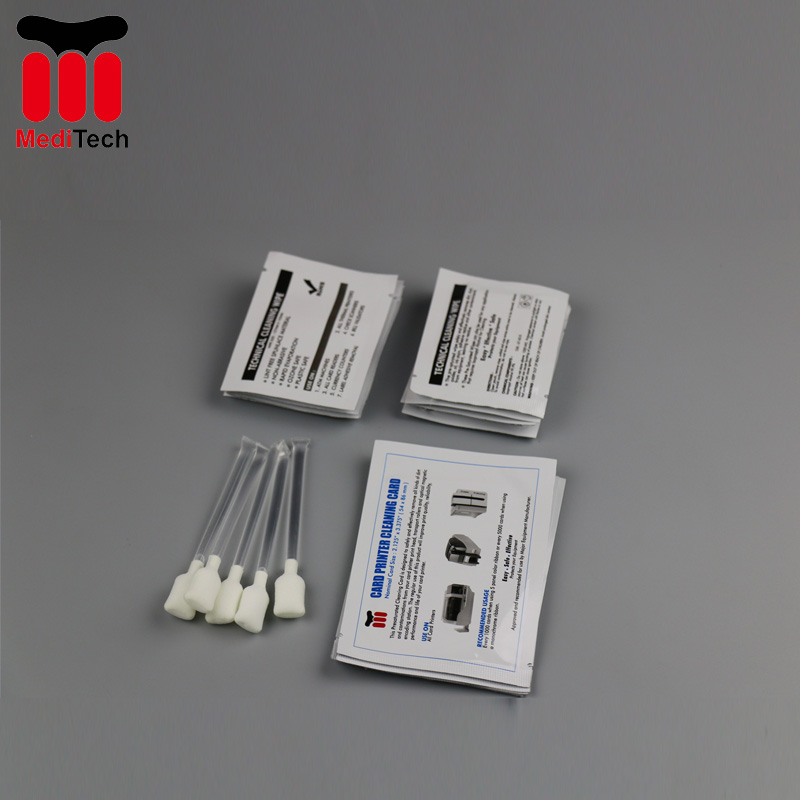
Why wait for a new card equipment to be delivered or installed? The transaction equipment can often be back in service in seconds with a cleaning card. Most equipment failures are caused by dirt and only needs to be removed to be fully functional ...
Visualizza i dettagliInserire il risultato aritmetico.
Calcolo errato, inserire nuovamente.