 メディテック


クリティカル環境およびクリーンルーム用ESD対応綿棒
3515ESD対応クリーンルーム用綿棒は、エレクトロニクス、光エレクトロニクス、マイクロエレクトロニクス、半導体業界で広く使用されている拭き取り用消耗品です。綿棒のヘッド素材は、発泡スチロール、ポリエチレン、ポリプロピレン、ポリエチレンテレフタレートです。
詳細を見る製品検索検索ポスト
Keeping your camera clean is essential for maintaining image quality and protecting the device from long-term damage. Dust, fingerprints, and smudges can easily accumulate on the lens, body, and most importantly — the sensor. This guide explains how to safely clean your camera using the right tools
Before you begin, gather these essential cleaning tools:
Using professional-grade tools protects your equipment and prevents accidental damage.
Start with the parts that accumulate dirt most often — the body and grip.
Avoid excessive moisture and never spray liquid directly onto the camera.
Your lens is the most important surface affecting image clarity.
A clean lens ensures sharp, crisp images without blur or flare.
The viewfinder can accumulate oil and dust, affecting visibility.
This improves the shooting experience and viewing accuracy.
Sensor cleaning requires caution. Dust on the sensor causes dark spots on photos, especially at small apertures.
Using high-quality Sensor Cleaning Swabs ensures safe and streak-free results.
Regular maintenance keeps your camera performing at its best.
ESD対応クリーンルーム用綿棒は、エレクトロニクス、光エレクトロニクス、マイクロエレクトロニクス、半導体業界で広く使用されている拭き取り用消耗品です。綿棒のヘッド素材は、発泡スチロール、ポリエチレン、ポリプロピレン、ポリエチレンテレフタレートです。
詳細を見る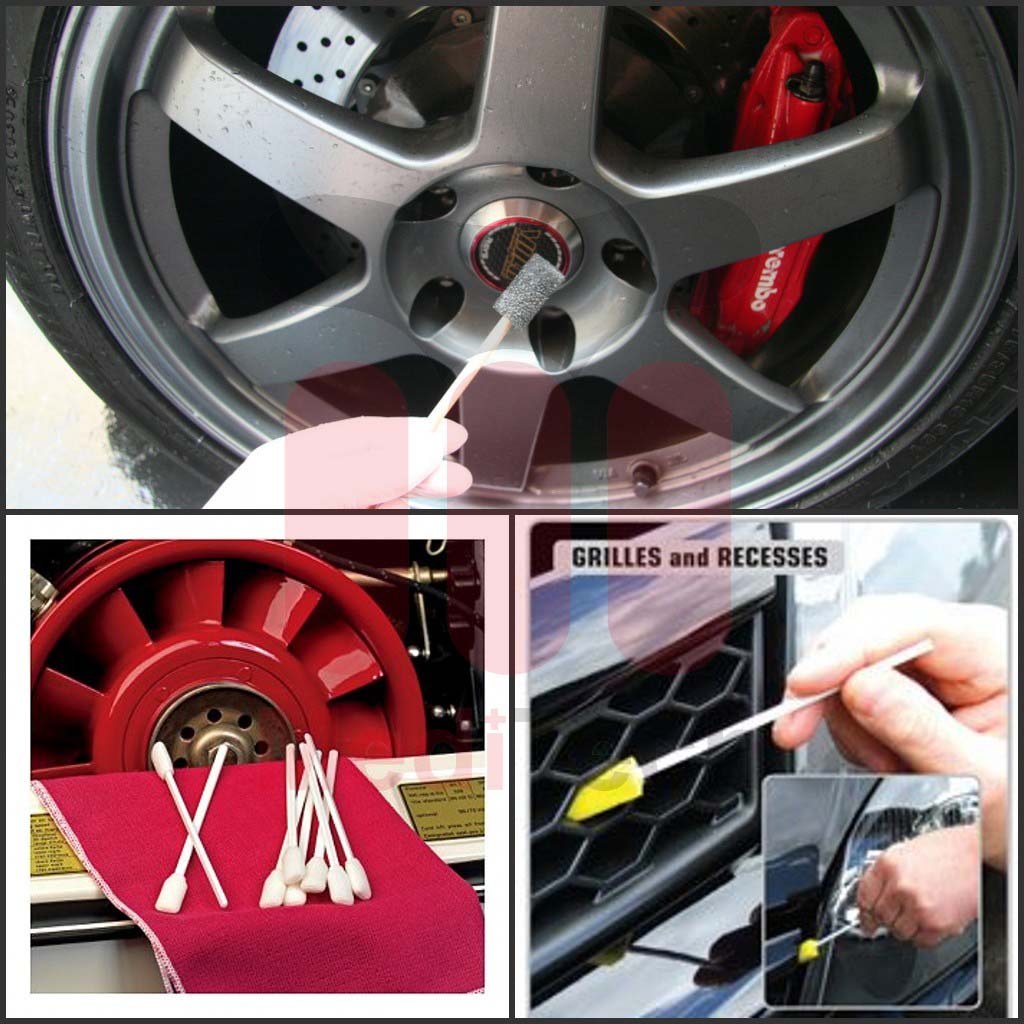
クルマは生活に欠かせない交通手段であり、クルマのメンテナンスも非常に重要である。なぜ綿棒メーカーが自動車について語りたがるのか?それは、メンテナンスや修理の際、当社の製品が自動車にも適しているからです。そこで...
詳細を見る1. Ultra-clean wipers as head material 2.low particle generation 3.high chemical resistance Machine Type: Industrial Ultrasonic Cleaner Cleaning Type: Clean-In-Pl...
詳細を見る演算結果を入力する。
計算が間違っています。