 メディテック


低NVRSと粒子、イオン含有量のクリーニング綿棒は人気があります。
3515クリーニング綿棒の主な機能は何ですか?クリーニングの役割を果たすこと以外には何もなく、これは最大の綿の用途の一つである。したがって、クリーニング綿棒の使用範囲は非常に広く、狭いスペースをクリーニングする必要がある限り、ALM...
詳細を見る製品検索検索ポスト
Keeping your Zebra ZXP Series 7 card printer in optimal condition is essential for producing clear, professional ID cards. Routine maintenance not only improves print quality but also protects the printhead, rollers, and internal components from costly damage. This guide walks you through how to properly clean your ZXP Series 7 using a クリーニングカード, クリーニングワイプ, and other approved supplies.
The ZXP Series 7 is designed for high-performance printing, but dust, card debris, and ribbon residue gradually build up in the printer’s critical areas. According to the official user manual, regular cleaning maintains your warranty and helps protect hard-to-reach parts like the printhead, transport rollers, and magnetic encoder station.
Recommended cleaning intervals for a typical office environment:
Zebra recommends using only approved cleaning supplies. For the Zebra ZXP Series 7, you may need:
All cleaning functions are accessed through the Operator Control Panel (OCP):
This is the most frequently required cleaning routine.
Steps:
Cleaning the feeder ensures smooth card feeding and prevents jams.
Steps:
Printhead polishing is recommended every 5,000 cards, especially when you notice ghosting or faded print.
Note: This feature is password-protected and limited to Zebra-authorized service personnel.
Steps:
- Enable printhead polishing in the ZXP Toolbox.
- Open the cover and ribbon drawer; remove the ribbon.
- Insert a polishing (lapping) card grit-side-up into the Manual Feed Slot.
- Run the cleaning cycle and wait for the card to eject.
- Replace the ribbon.
The laminator includes three separate cleaning routines:
Requires cleaning swabs / cleaning wipes.
MediTech provides high-quality, cost-effective cleaning supplies fully compatible with Zebra ZXP Series 7 printers:
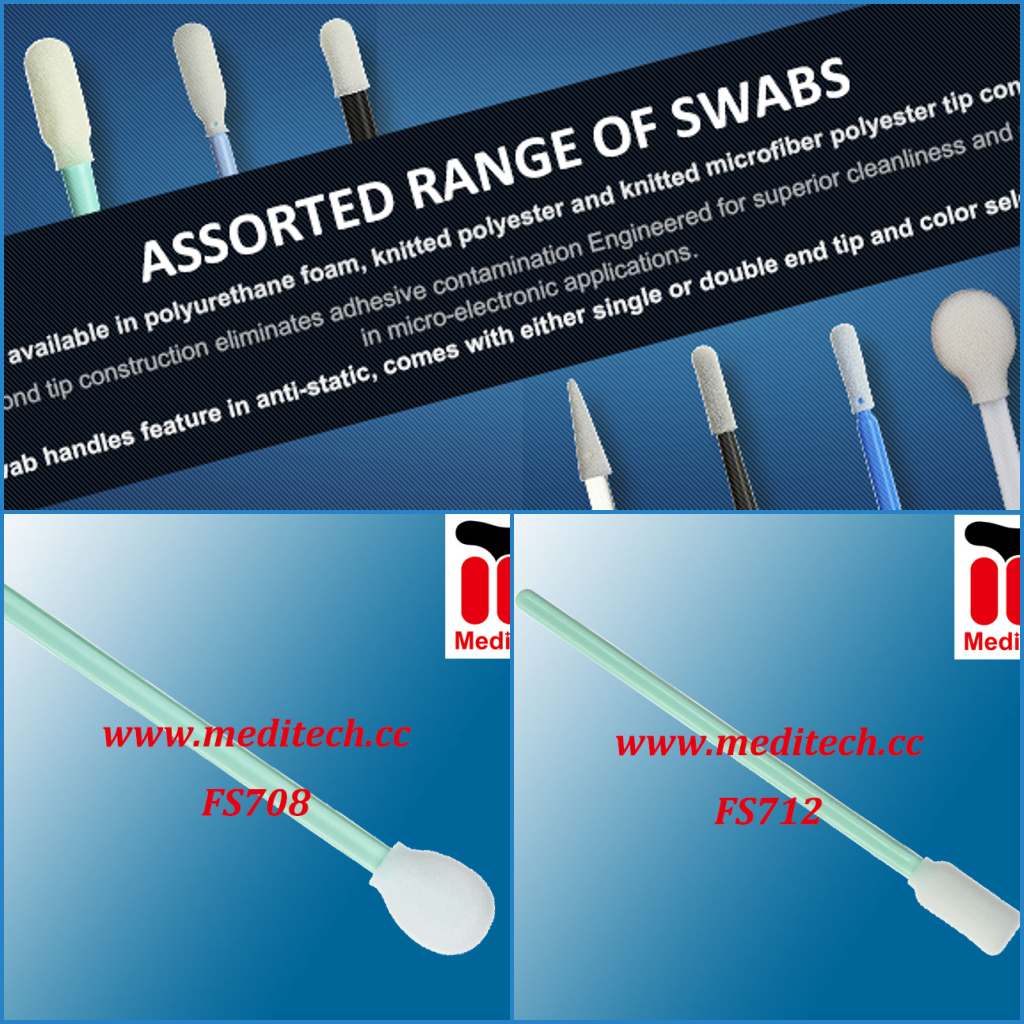
クリーニング綿棒の主な機能は何ですか?クリーニングの役割を果たすこと以外には何もなく、これは最大の綿の用途の一つである。したがって、クリーニング綿棒の使用範囲は非常に広く、狭いスペースをクリーニングする必要がある限り、ALM...
詳細を見るIntroduction of microfiber dust-free wiping cloth Product characteristics of microfiber dust-free wiping cloth: Application of dust-free wiping cloth:
詳細を見る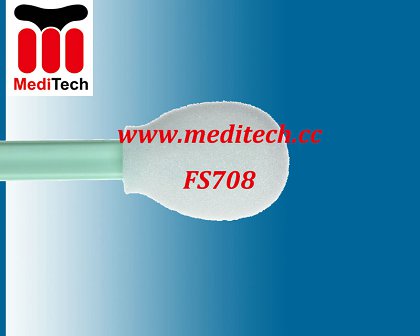
シリコーン、アミド、フタル酸エステルなどの有機汚染物質を含まない100ppi(Z)のオープンセル・ポリウレタン・フォーム。フォームとハンドルは熱接着されているため、汚染する接着剤を使用する必要がありません。優れた綿棒フォ...
詳細を見る今、あまりにも多くの場所でカードプリンターを使用している、我々は地下鉄のカードに乗る、あなたが銀行のカードにお金を引き出すために銀行に行くとき、何かを印刷するためにコピーショップに行く、我々は通常、機械IDカード、メディケアカード、バスカードを使用して、カードpr...
詳細を見る演算結果を入力する。
計算が間違っています。