Search productSearch post

How do I clean the printhead?

News 2198

How do I clean the printhead?

How do I clean the printhead?

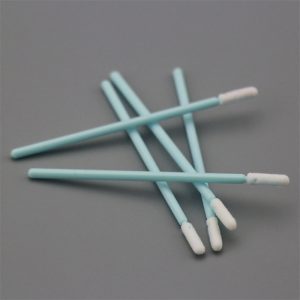
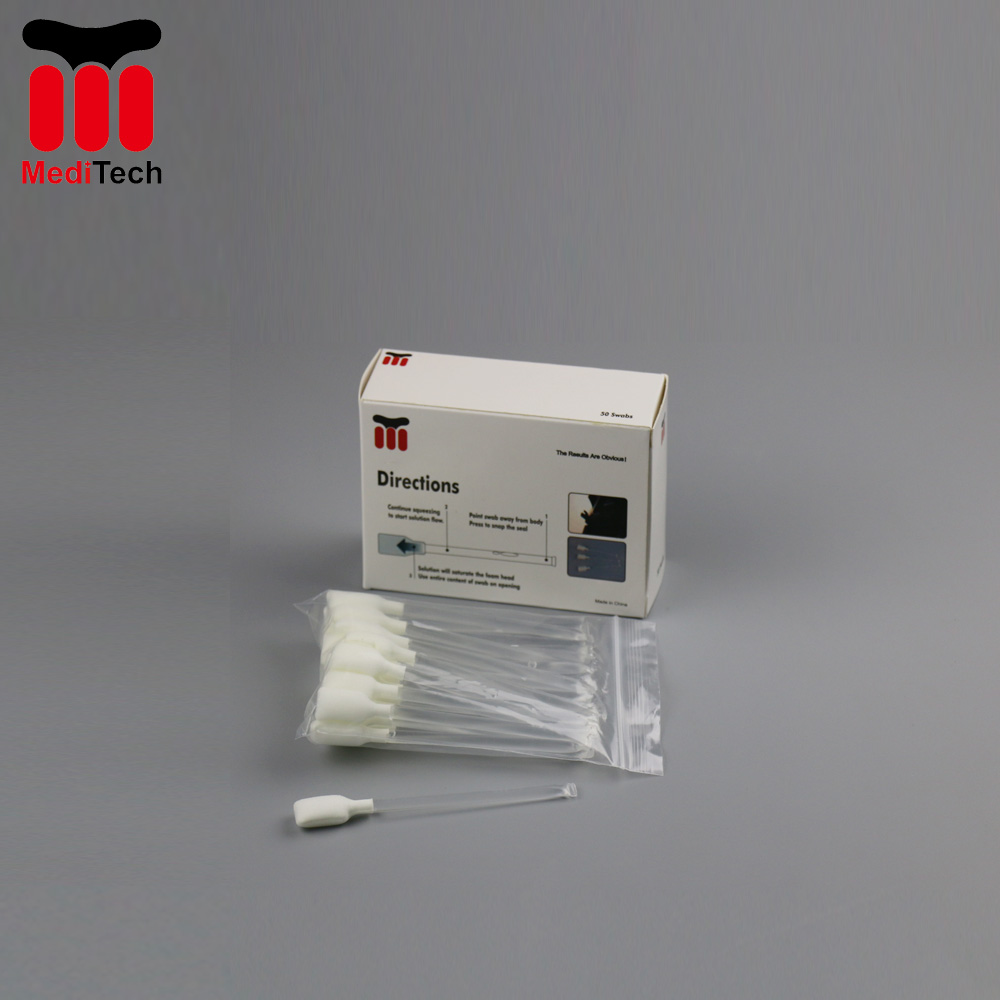
  1. Take an Evolis cotton bud and press the middle of the tube until the end of the cotton bud is impregnated with alcohol.
  2. Unplug the power supply cable, open the cover and locate the print head.
  3. Gently rub the cotton bud from left to right along the print head for a few seconds.
  4. Close the cover. Reconnect the printer.
The prev: The next:

Related recommendations

  • Print Error On Barcode Printer

    2064

    Have you met with print error on your barcode printer?1.Print is too light It may caused by contaminant left on the print head. If you never clean the print head, the print quality would become lighter and lighter.2.White lines in ...

    View details
  • The Definition and Classification of Cleanroom

    2284

    The main role of cleanroom is to control the temperature, humidity and air cleanliness of the environment products face with, so as to manufacture the product in a relatively good condition. This environment or space is that we call cleanroom. Ea...

    View details
  • Cleaning Products For Kiosk

    1848

    Cleaning Products For KioskCleaning Products For KioskPremium cleaning products for Kiosk:Technical Cleaning Wipe:Card Printer Cleaning Card:Clean Swab: ,

    View details
  • How to clean Evolis card printer?

    2167

    Learning how to clean your Evolis card printer is very important. It is recommended to clean your card printer when you change your ribbons.Steps for cleaning Evolis card printer:1. First, you need to prepare Meditech cleaning kits compatible wi...

    View details
Expand more!

Enter the arithmetic result.

Incorrect calculation, please re-enter.