How to use cleaning swab to clean a Keyboard
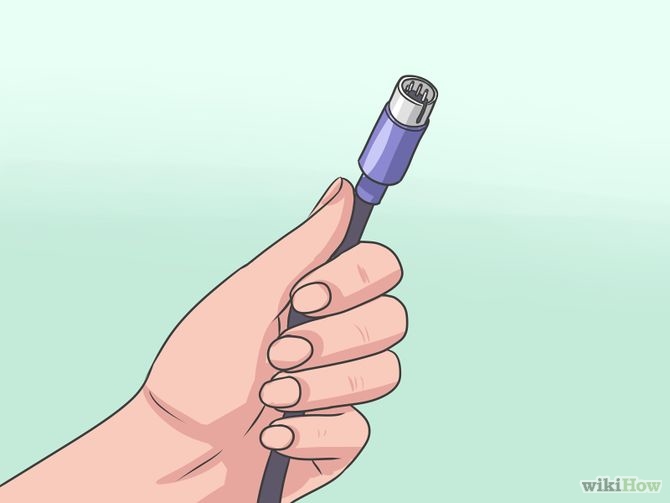
1 Shut down the computer and detach the keyboard connector before any cleaning procedure. Do not remove or connect a keyboard while the computer is running. Doing so may damage the machine if you have a non-USB-based keyboard. Detaching the keyboard while the computer is running is safe when the keyboard is connected to the computer via USB.
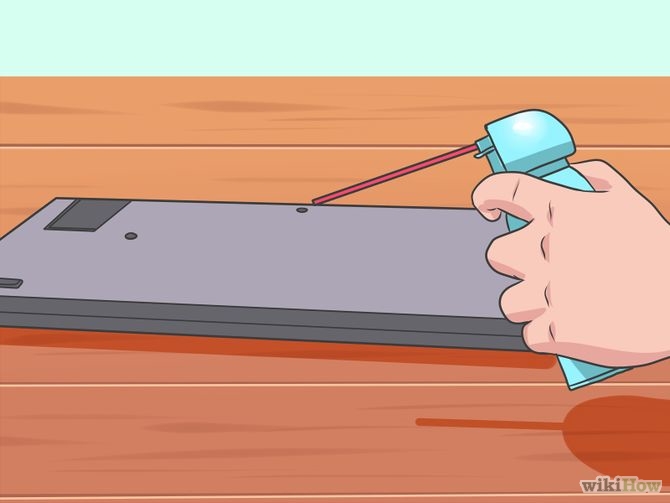
2 For a quick cleaning, turn the keyboard upside down and use a can of compressed air to blow out any foreign matter. Be sure to do this in a location where falling debris can be cleaned up easily. Turn the keyboard upside down and tap on it a few times. You should see a bit of dirt fall out. Change the angle and tap harder to make most of it get out.
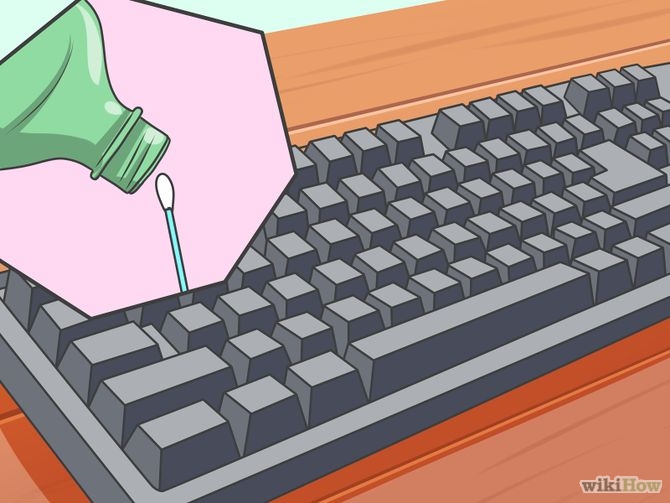
3 Clean the sides of the keys with a cotton swab dipped in isopropyl alcohol.
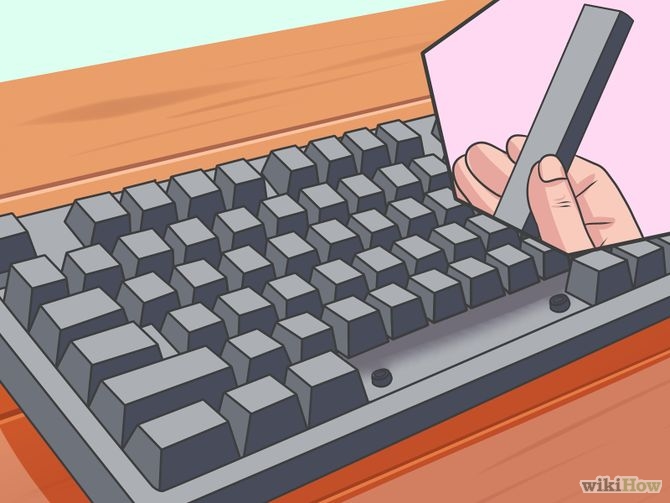
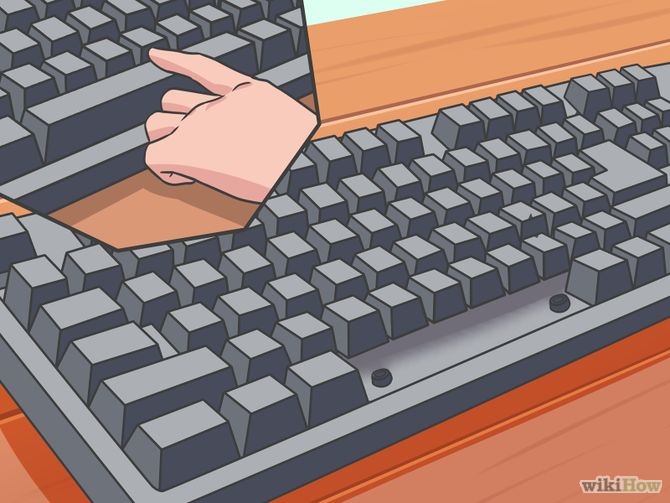
4 For a more thorough cleaning, remove all of the keys. Do this by gently prying up each key with a small screwdriver or a similar lever. When the keys have been removed, blow out any debris with compressed air. With a moist (but not wet) cloth, lightly swab all surfaces. Do not allow any type of fluid to enter the keyboard.
5 Clean the individual keys and place them back in the keyboard.
 Meditech