How to clean firearm with cleaning swabs?
How to clean firearm with cleaning swabs?
For firearm maintenance, it usually divided into two categories. One is maintenance after shooting and the other is maintenance after longtime unused. The firearm you always use will definitely leave oil in the barrel, which solidified over time, clogged the barrel and may cause bombing bore. Besides, some gunpowder residue leave in the gun after firing the bullet, which may stuck the gun and cause the bolt unable to move. If these things are not cleared up, the firearm failure rate gets higher as time passed by.
The most important parts of the firearms are the barrel, recoil spring and the firing device. To maintain firearms, the cleanness of these three places are the most important.
Firstly, remove the barrel, use a special steel to do the initial clean for the barrel. And then stuck a clean soft cloth into the barrel from the muzzle and cleaned out the impurities. You will a clean soft cloth pre-saturated with gun oil and use it to wipe the gun barrel again to clean it to the full.
Secondly, use a clean soft cloth pre-saturated with gun oil to scrub the recoil spring. Always remember not to use too much oil to avoid adhesion.
At last, clean the fire device with a clean soft cloth pre-saturated with gun oil. You will have to be more careful as the components are very small.
Assemble them perfectly and install it in the holster after completing the total cleaning.
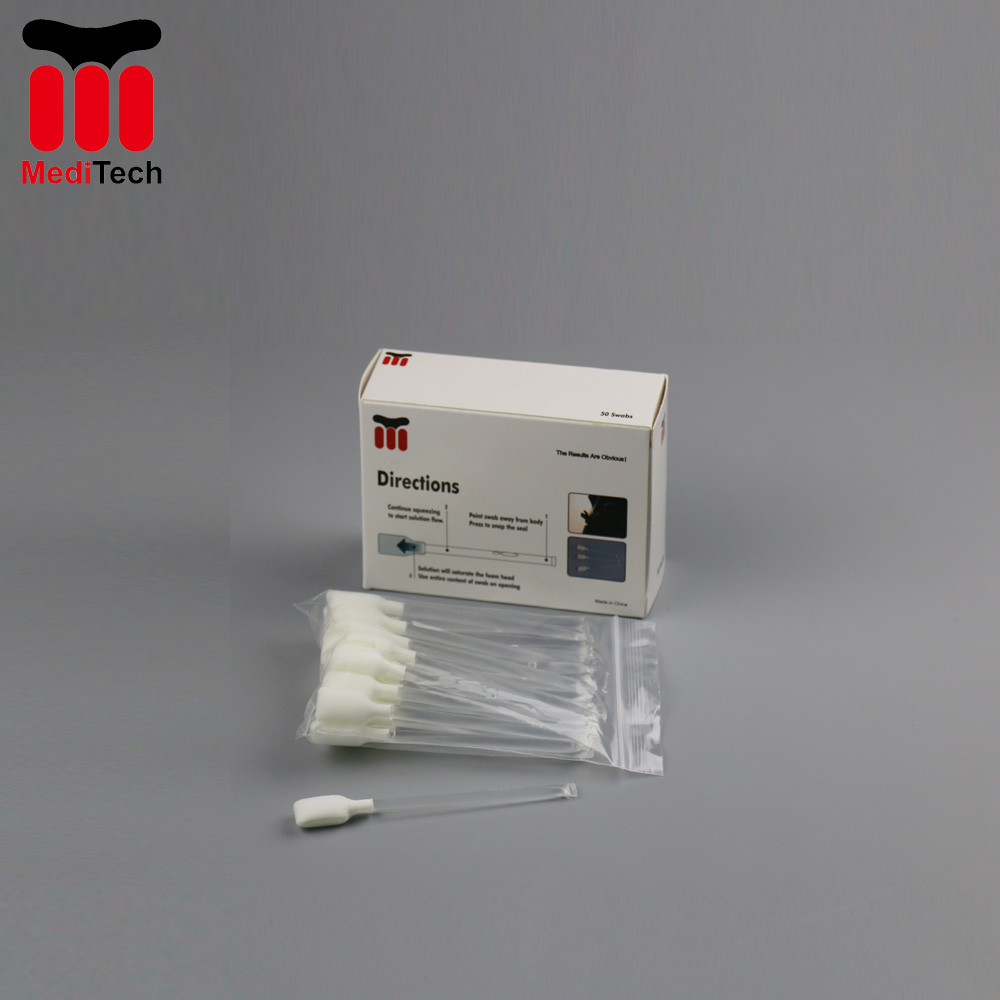
Traditionally, we just use steel wire, soft cloth and gun oil to do the cleaning. However, as time passed by and technology improved, we now carry on a new cleaning tool, the gun-tip. It is a kind of reusable foam swab with a easier, faster and superior barrel cleaning function, especially for the hard to reach areas in the firearms. There is no doubt that the gun-tip will replace the old traditional cleaning tool and make an important role in firearm maintenance process.
 Meditech