Which is the quality of the clean card manufacturer?
Which is the quality of the clean card manufacturer?
Meditech developed in 2011, the electrostatic flocking cleaning card is the use of electrostatic effects on the surface of the flocking process, after treatment by the fluff agent, the polarization occurs under the action of the electric field to form the electrode, charged fluff In the electric field, due to the effect of electric field force, the original disordered fluff rotates around the electric field direction and finally parallel to the direction of the power line, so that the villus upright directional movement relies on the electric field force perpendicularly implanted on the surface of the adhesive coated substrate . Form a good appearance characteristics.
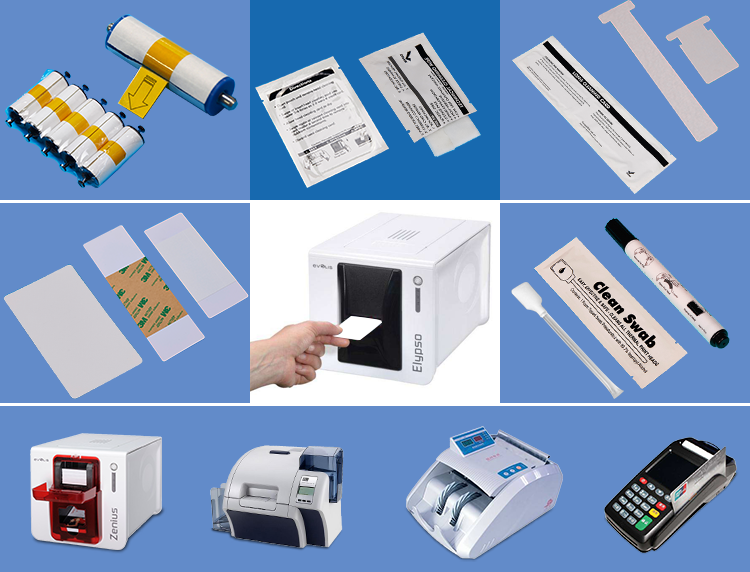
Meditech Technology Co., Ltd. is a professional research and development, production and sale of medical swabs, cleanroom swabs, dust-free swab, cleaning swab, clean card manufacturers. Is a professional global purification products and clean production of professional manufacturers, products Quality praised by the majority of customers, factory outlets.
This cleaning card uses soft and fine villi cleaning punch card machine, ATM teller machines, ordinary credit card machines, passbook credit card machines, POS terminals, POS machines, bank passbook printers, bank card readers, color card printers, magnetic card machines and other effects, low cost , With good economic and social benefits.
 Meditech